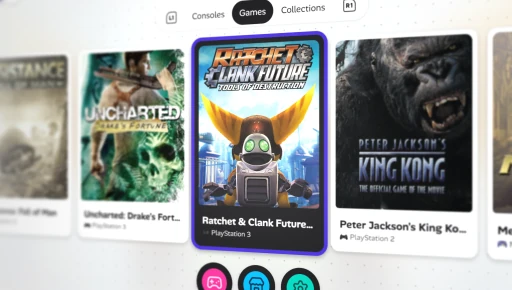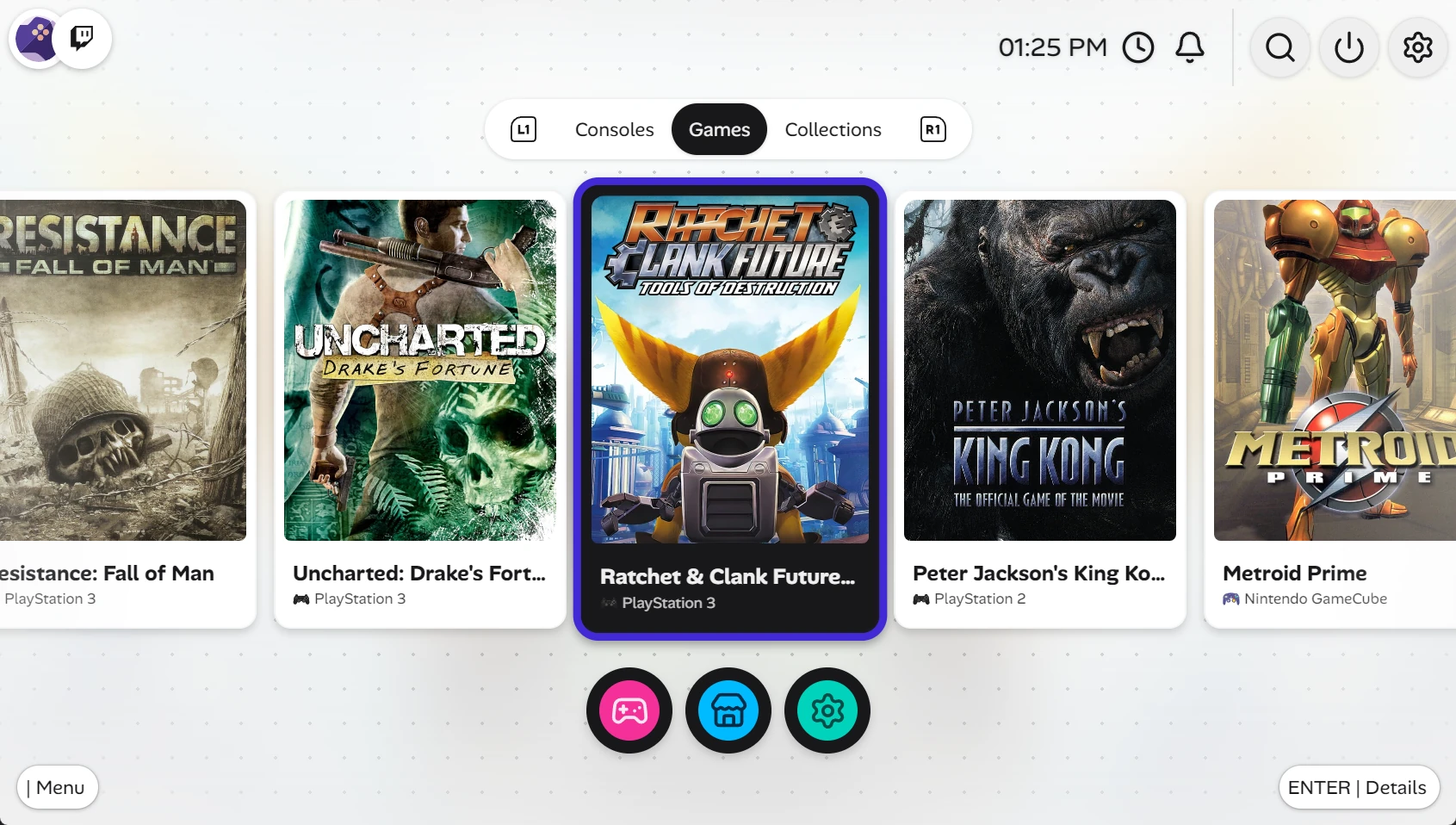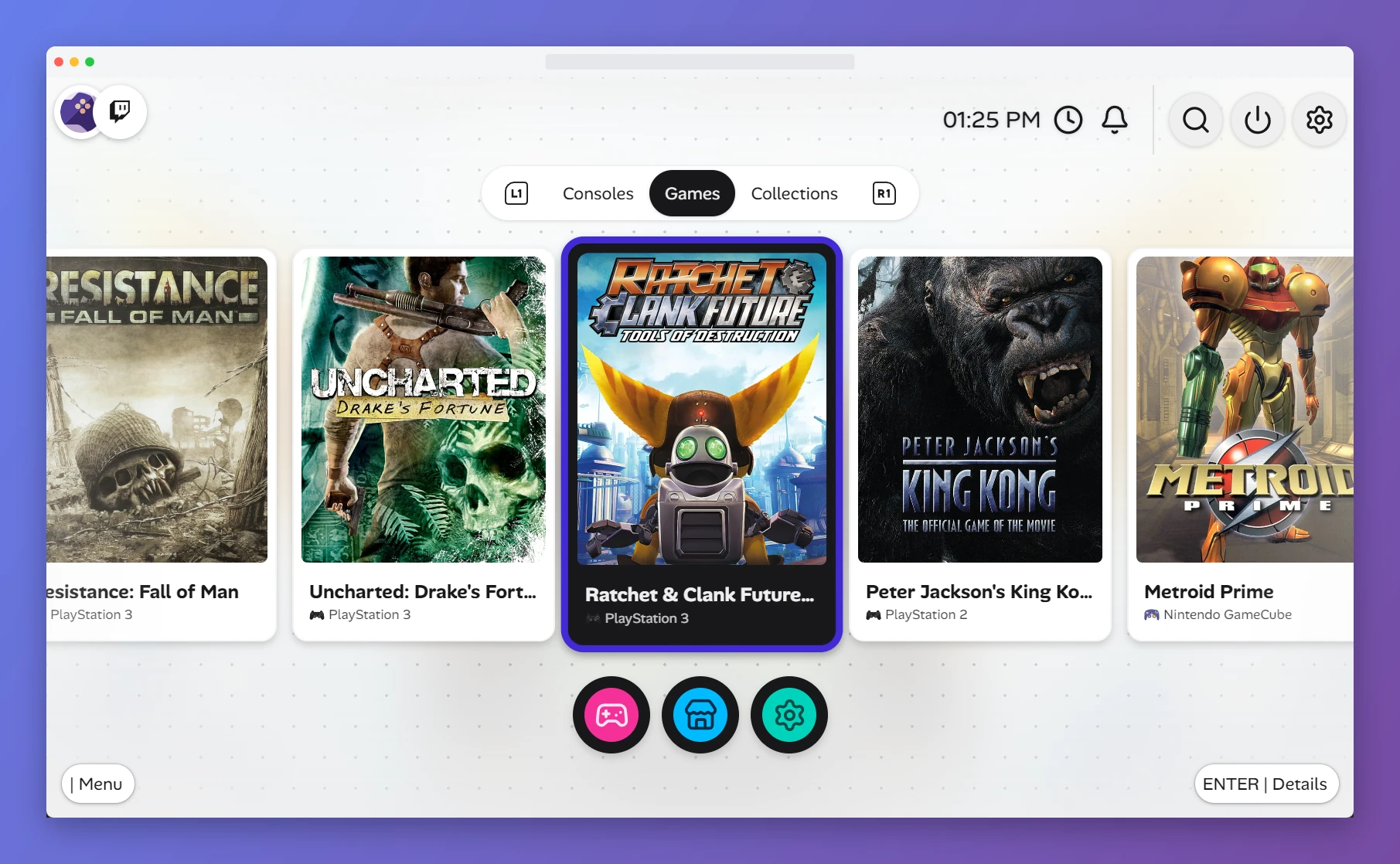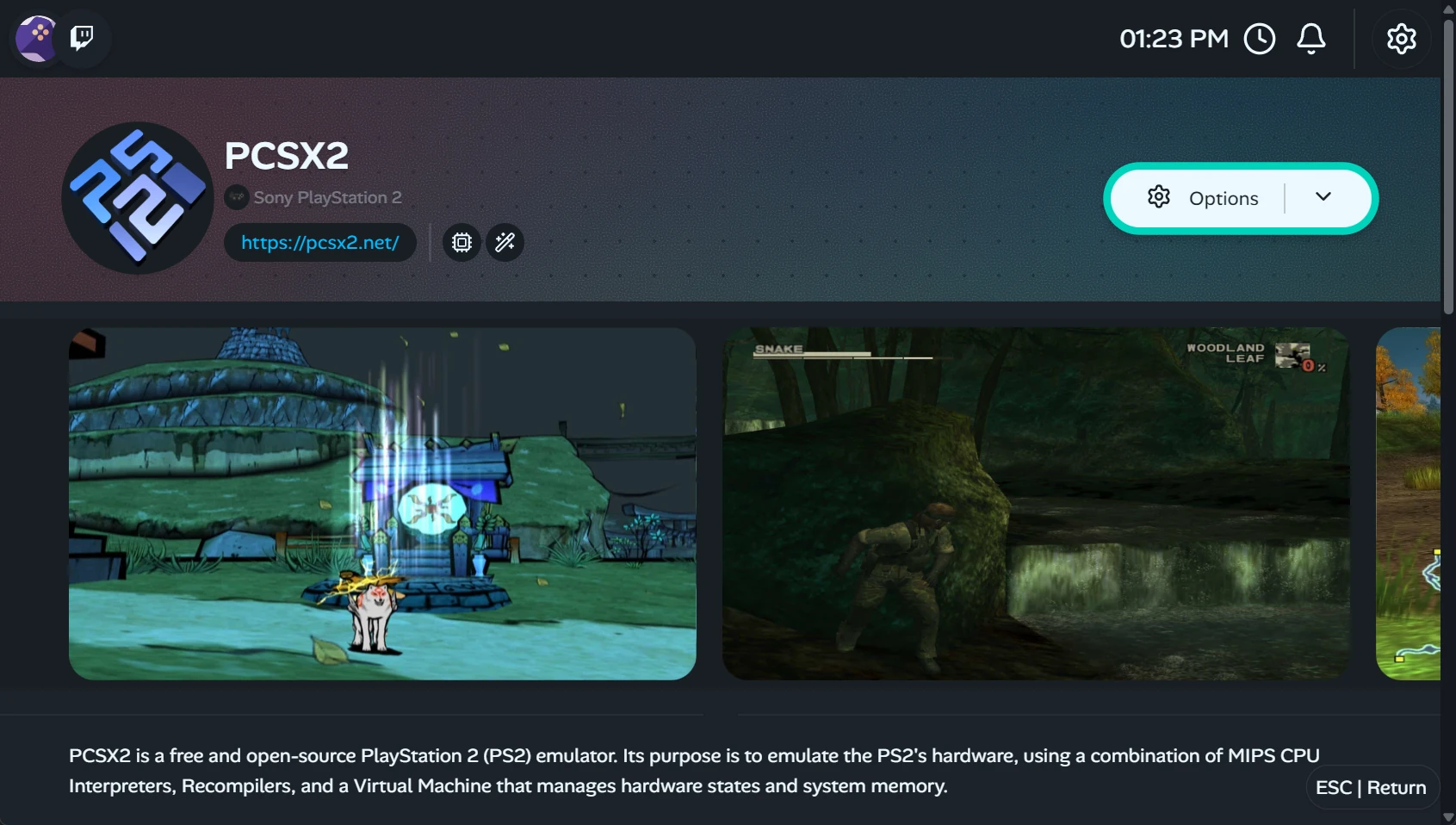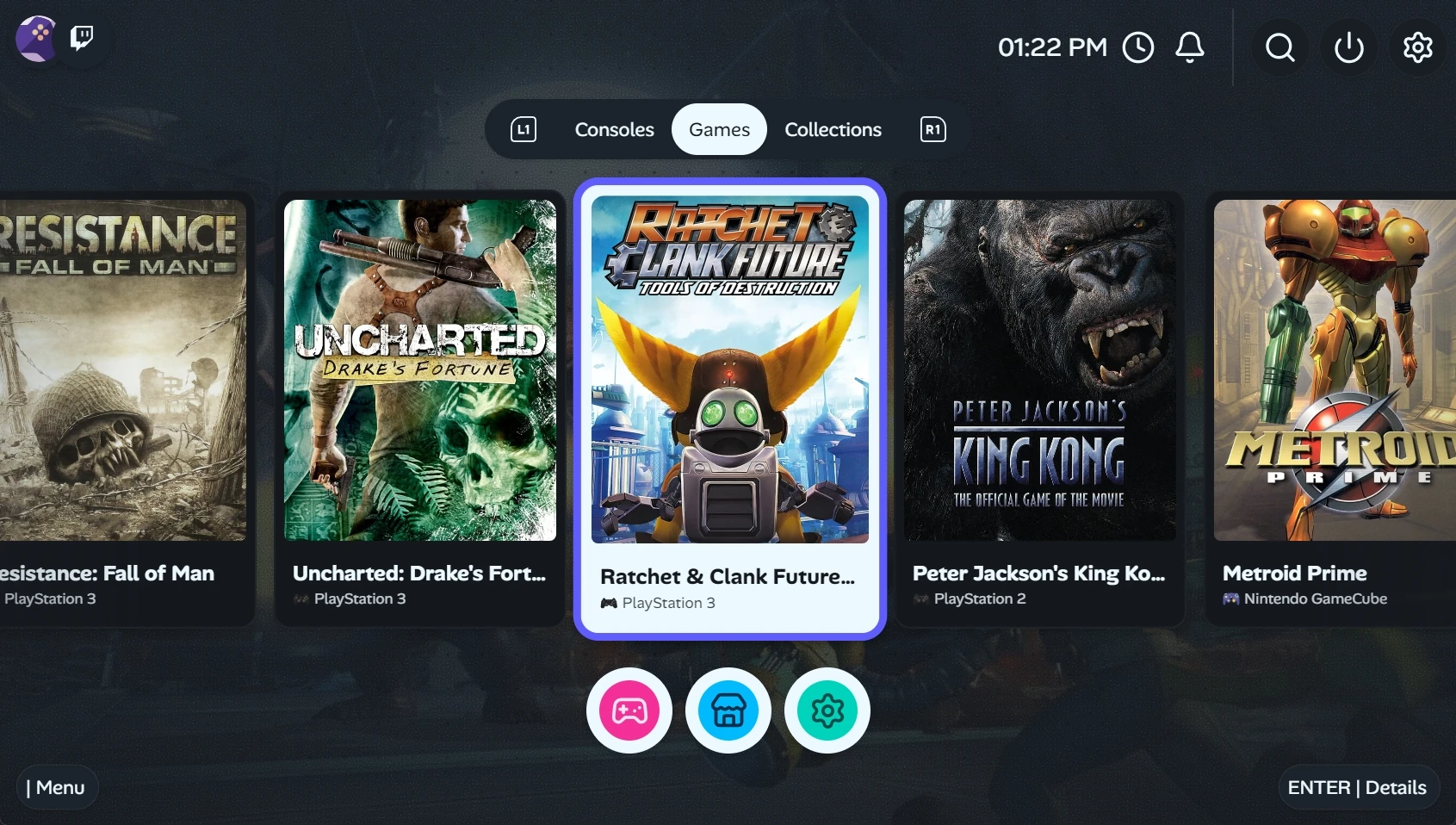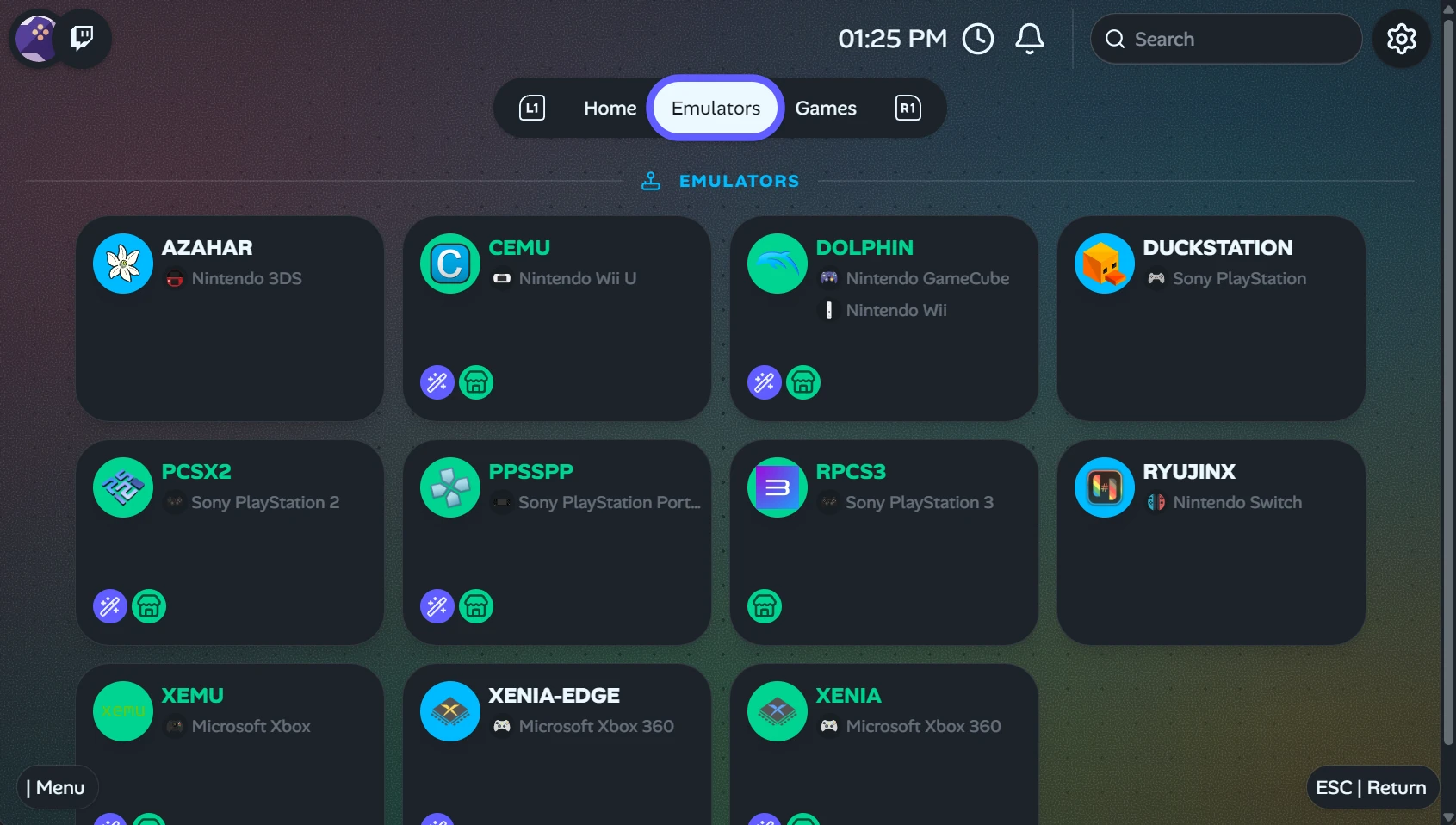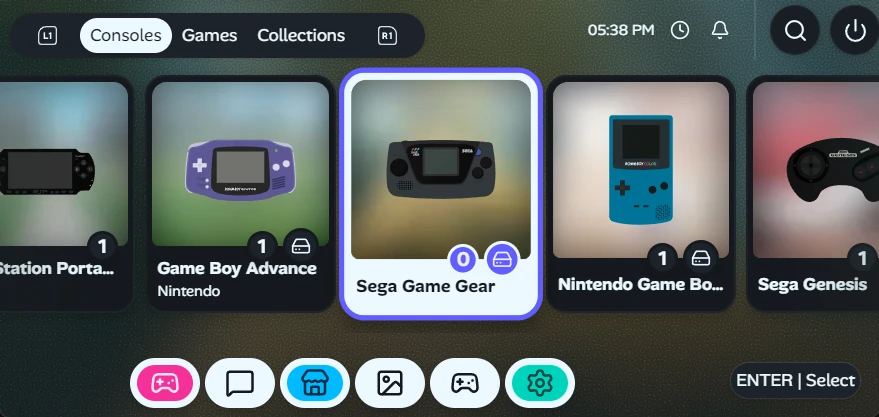
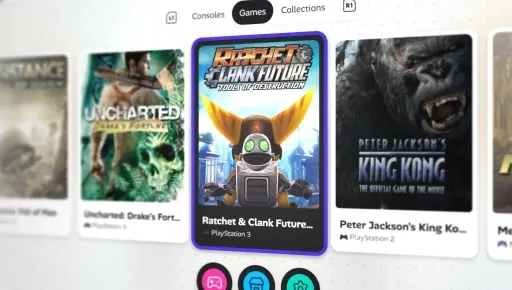
Gameflow Hero Image showing the app UI with retro games installed.
GitHub Open Source AGPL-3.0 1.6.0

Gameflow
Deck

A Cross-Platform open source Retro gaming frontend designed for handheld and controllers. Focused on building a simple user experience and fluent and intuitive UI as a curated community driven experience. Download and play what you need and let the app do the rest.

Works On:
66+
GitHub Stars
176+
Downloads
12
Built In Emulators
117
Commits
1
Contributors
1
Plugins
What it Does
Everything you need.
Without ever leaving the app.

Controller-First UI

Switch-inspired navigation, fully operable with D-pad, joysticks, and shoulder buttons. Designed from the ground up for handheld play.

Play In-App

EmulatorJS with RetroArch cores built right in. Launch and play hundreds of platforms right in app.

Native Emulators

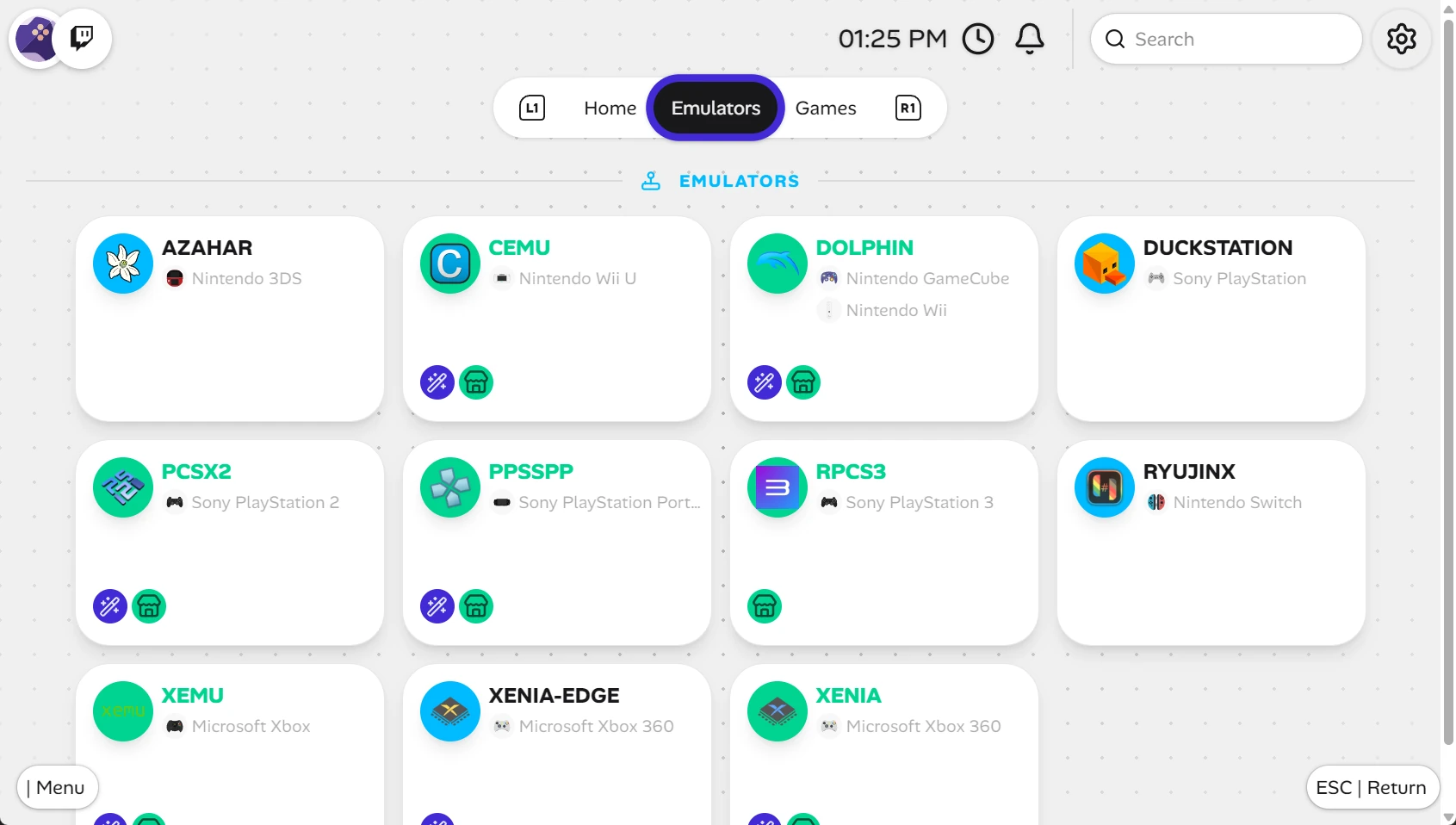
Download, update and manage emulators within the app. Use the latest standalone emulators for maximum performance and compatibility

Auto Downloads

Connect to ROMM and let Gameflow Deck automatically download, sync, and update your ROM library and platform metadata.

Cloud Save Sync

RClone integration lets you sync saves to any cloud provider or between devices. Resume on your deck, continue on your PC.

Curated Free Store

Browse homebrew titles and download emulators from inside the app. Community-driven, zero paywalls, no dark patterns.

ES-DE Discovery

Auto-detect installed emulators from your existing ES-DE / EmuDeck config. Bring your setup and Gameflow Deck adapts.

Windows Games on Linux

MU Launcher integration lets you run Windows store games on Linux without Steam. Seamless Proton-powered compatibility.

Dark & Light Themes

Full dark and light mode. Whether gaming at midnight or on a sunny commute, it always looks sharp.

Plugins System

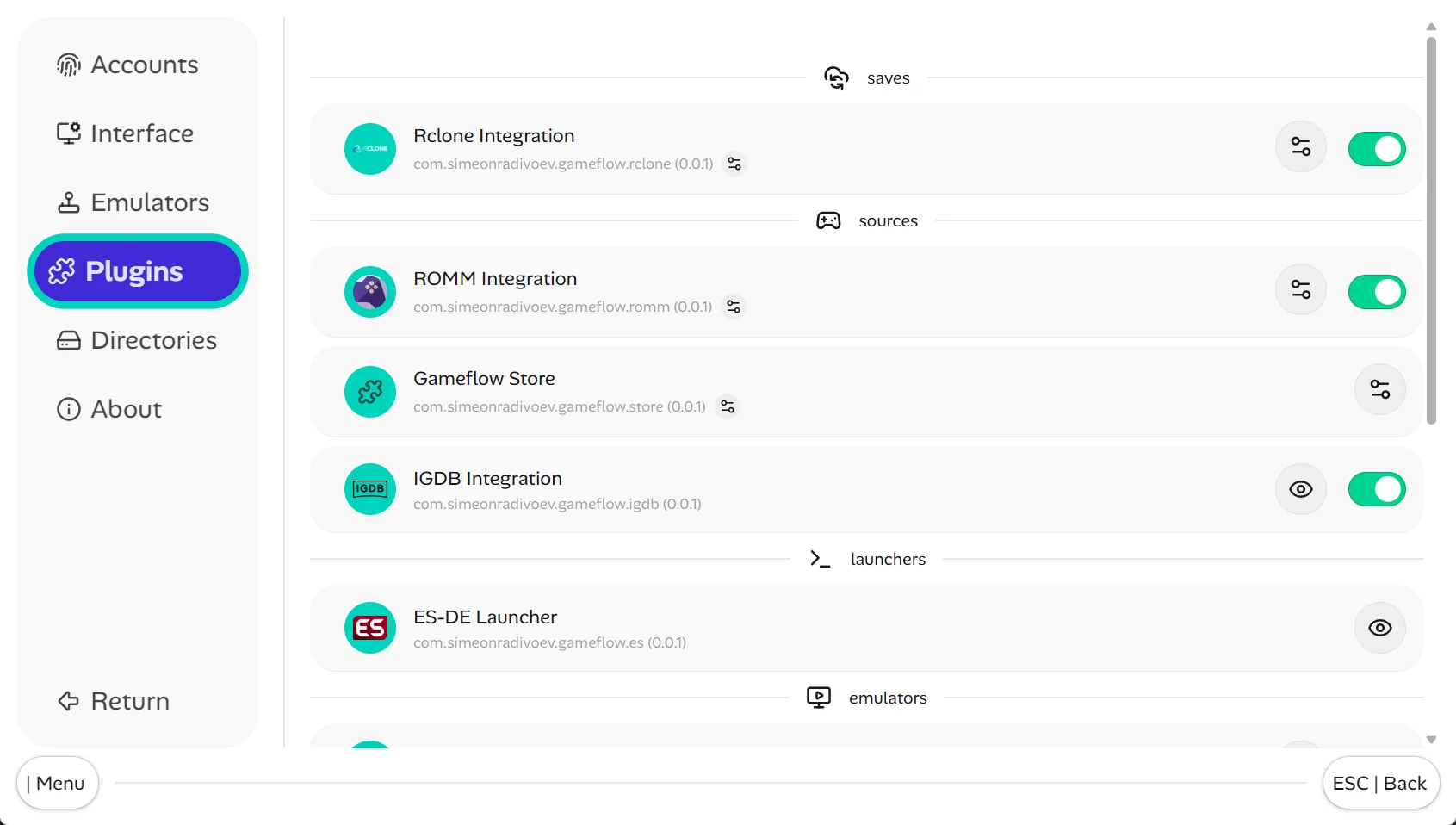
Extent functionality with plugins. Hosted on the NPM registry.
Integrations
Discord
Join Our Community
Have a suggestion, feedback or just a question?
Screenshots
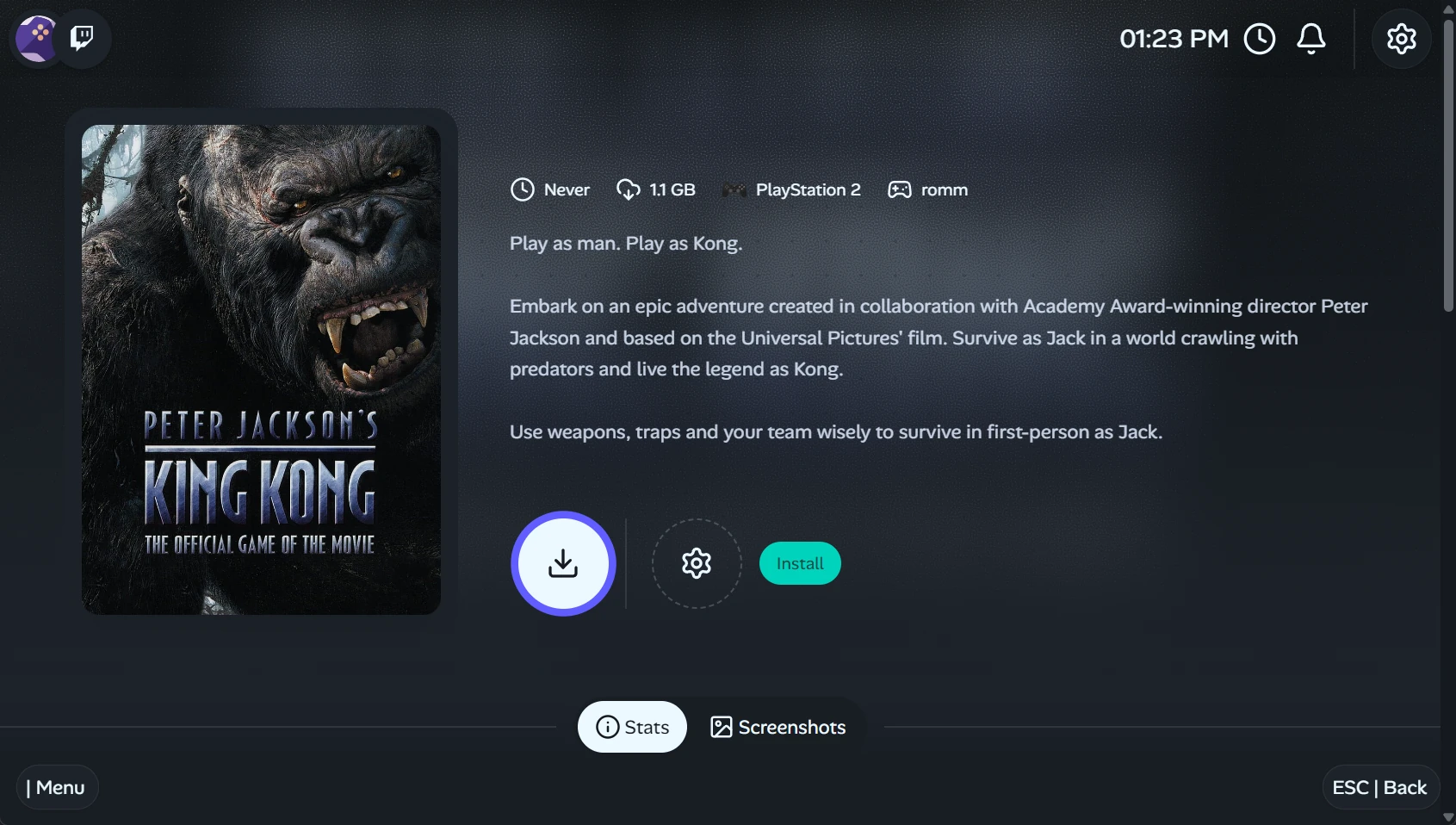
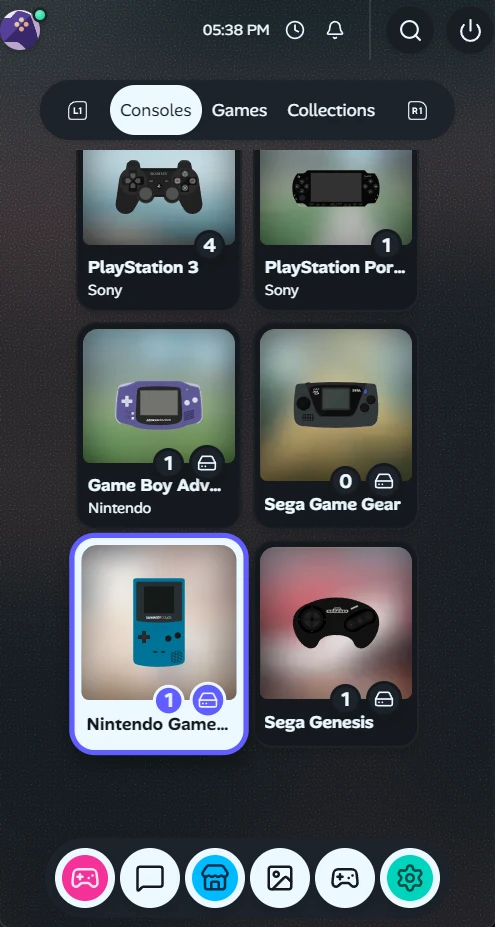
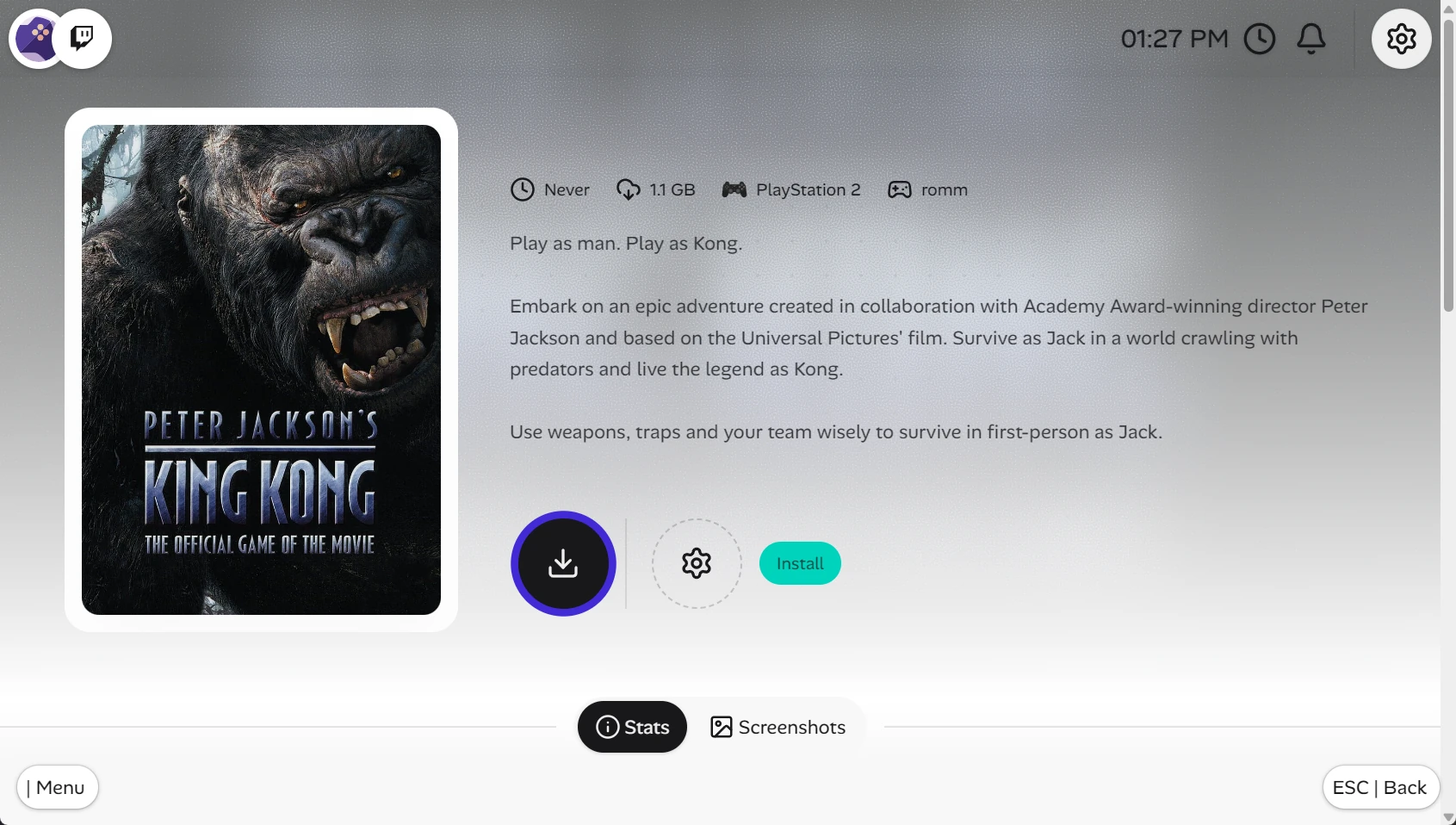
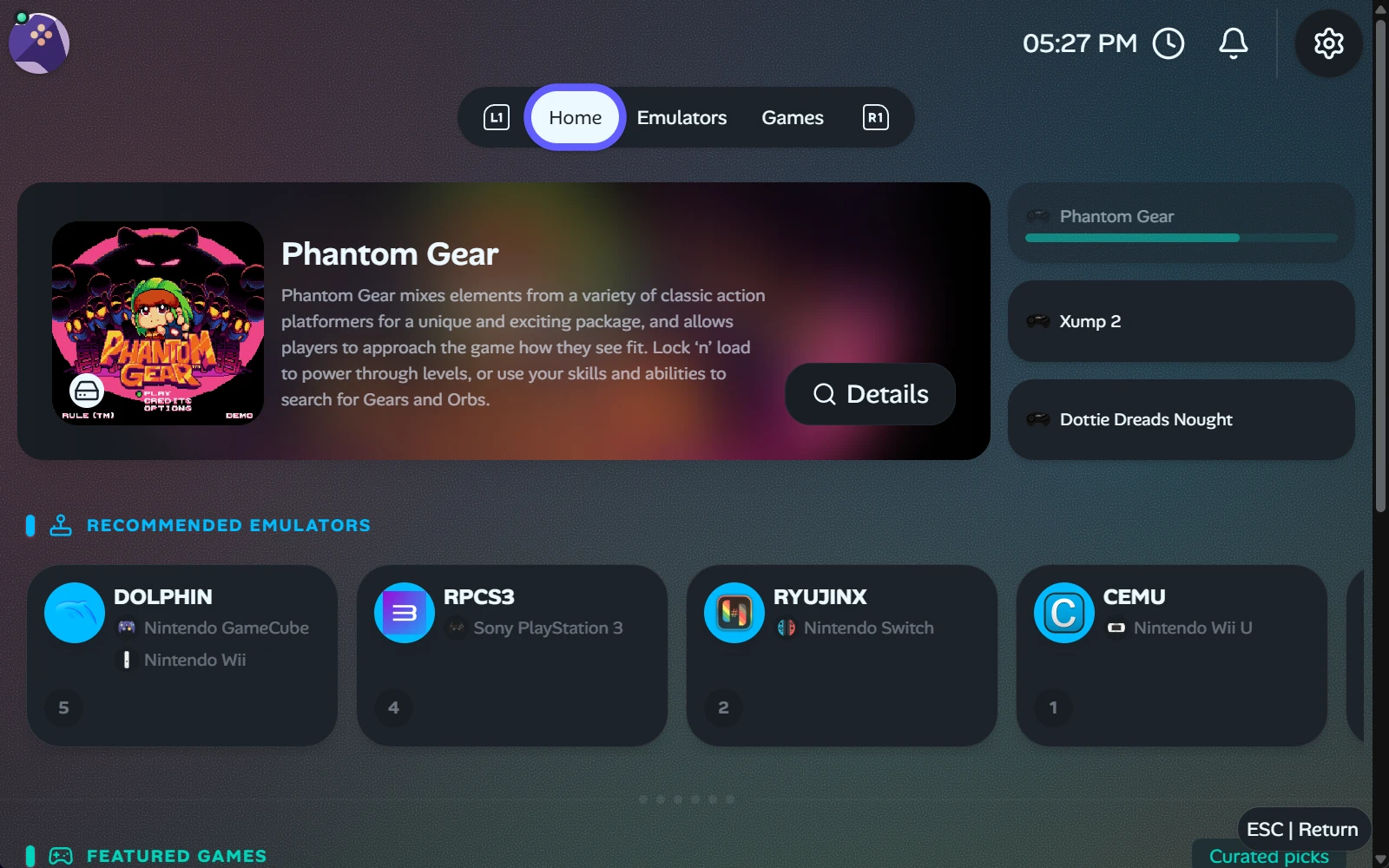
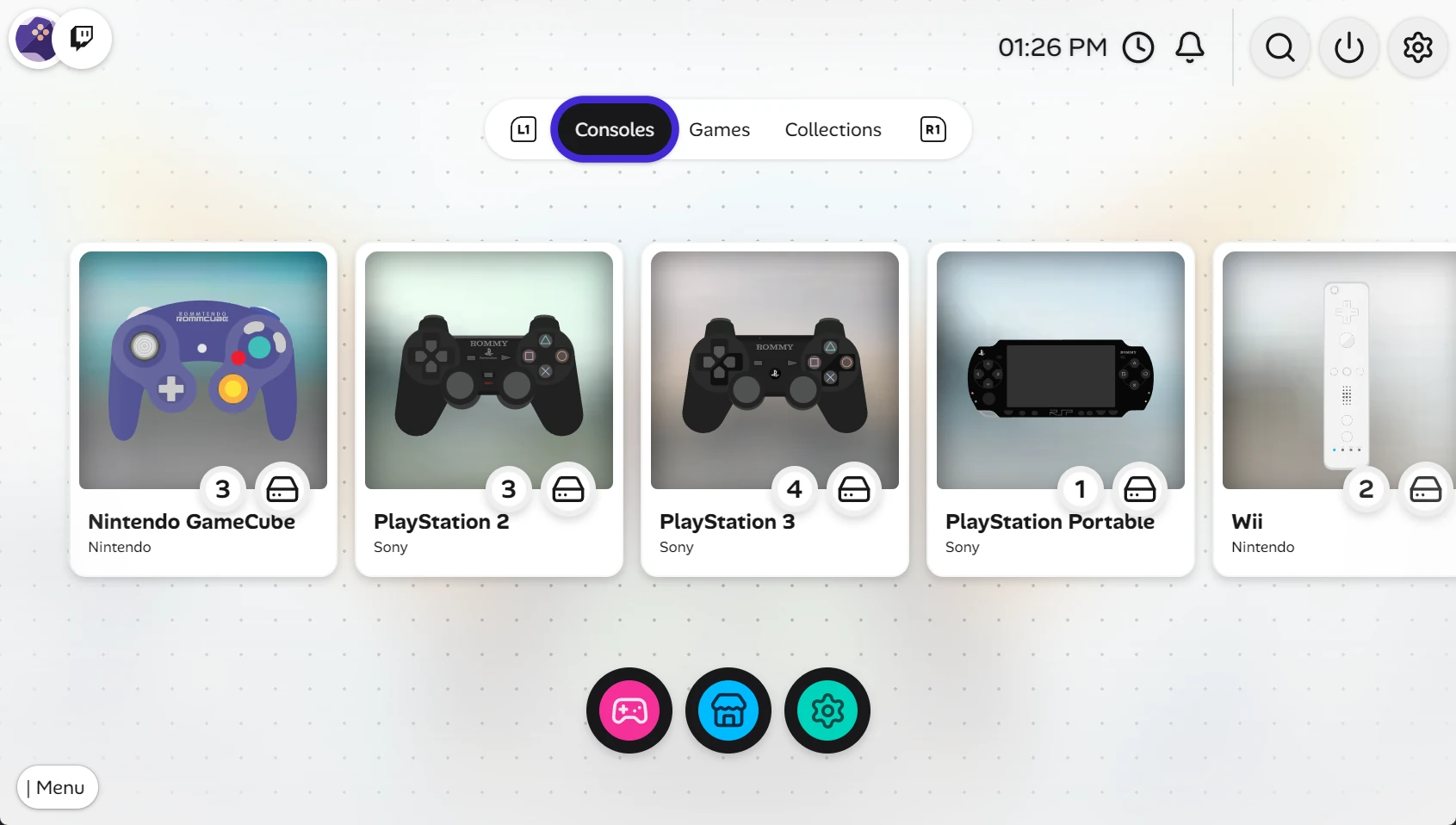
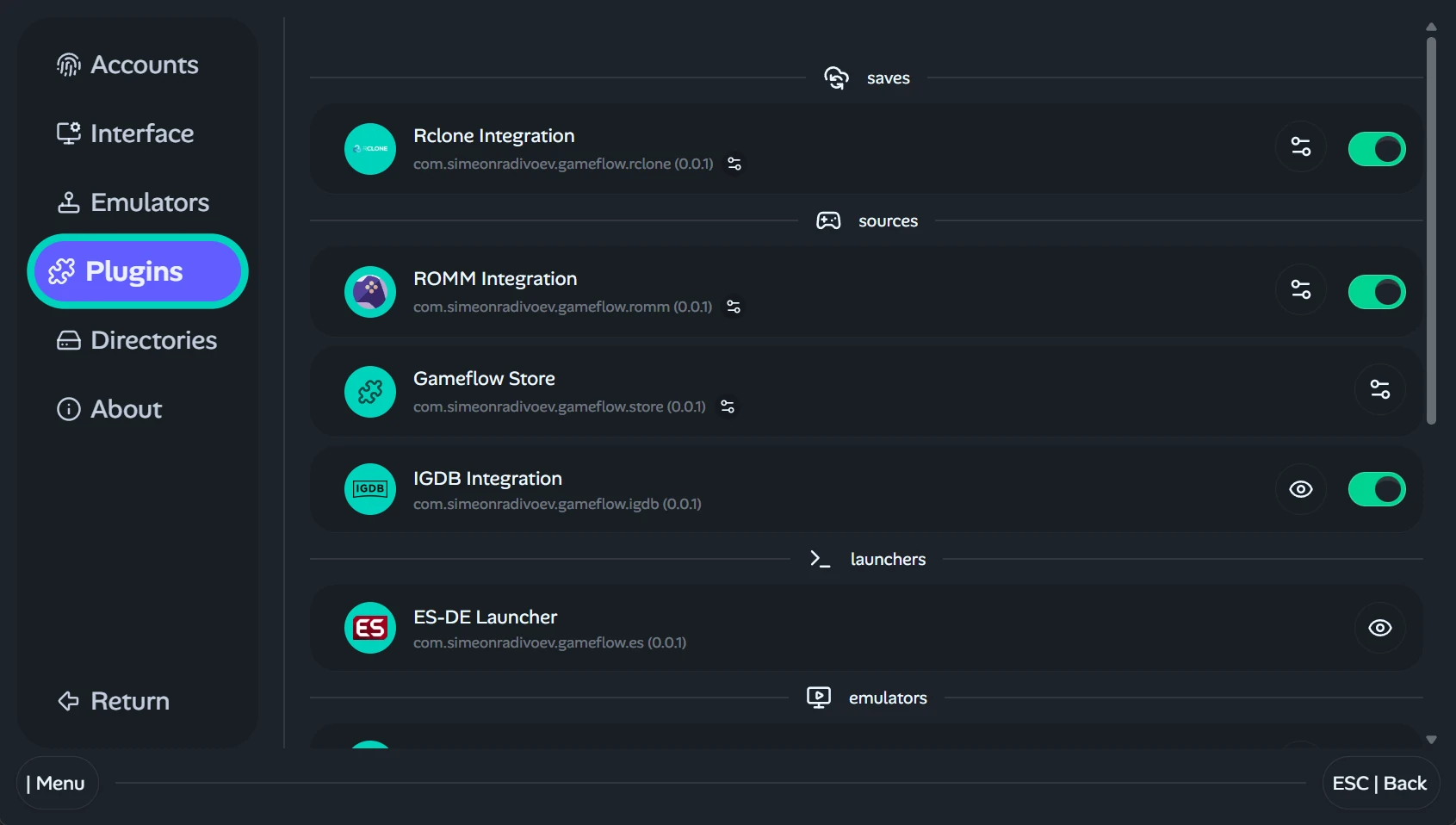
Gameflow 3D Screenshow hero image Game details screen of the app. Showing the rom Peter Jackson's King Kong Game in dark mode. Showing the responsive layout and the experimental portrait layout in specific. Game details screen of the app. Showing the rom Peter Jackson's King Kong Game in light mode. Screenshot 4 Showing the gameflow platform list. Where users can find games based on platforms. Like Xbox or Playstation Showing the plugins page for the gameflow app. It shows internal plugins built into the app. Like ES-DE autoconfig or different emulator implementations. All this in dark mode. Showing all emulator for download that will be fully supported by gameflow. Where you can easily install emulators and download firmware if you have romm setup. All this in light mode. Showing the homescreen of the app. The default filter is most activity. Be it last played or freshly installed. In light mode. Screenshot 9 Showing the plugins page for the gameflow app. It shows internal plugins built into the app. Like ES-DE autoconfig or different emulator implementations. All this in light mode. Screenshot 11 Showing the homescreen of the app. The default filter is most activity. Be it last played or freshly installed. In dark mode. Showing all emulator for download that will be fully supported by gameflow. Where you can easily install emulators and download firmware if you have romm setup. All this in dark mode. Screenshot 14
Home Plugins GitHub Github Sponsor